
安全Secure
社区版 HD 钱包:助记词和密码加密保存在这台电脑上,不会上传。 A community-edition HD wallet: your recovery phrase and password stay encrypted on this computer and are never uploaded.
面向 Chrome 的社区版 HD Pearl 钱包。安全、简单、开源、免费。 A community-edition HD Pearl wallet for Chrome. Secure, simple, open source, and free.
为什么选 Pearla Why Pearla
社区版 HD 钱包:助记词和密码加密保存在这台电脑上,不会上传。 A community-edition HD wallet: your recovery phrase and password stay encrypted on this computer and are never uploaded.
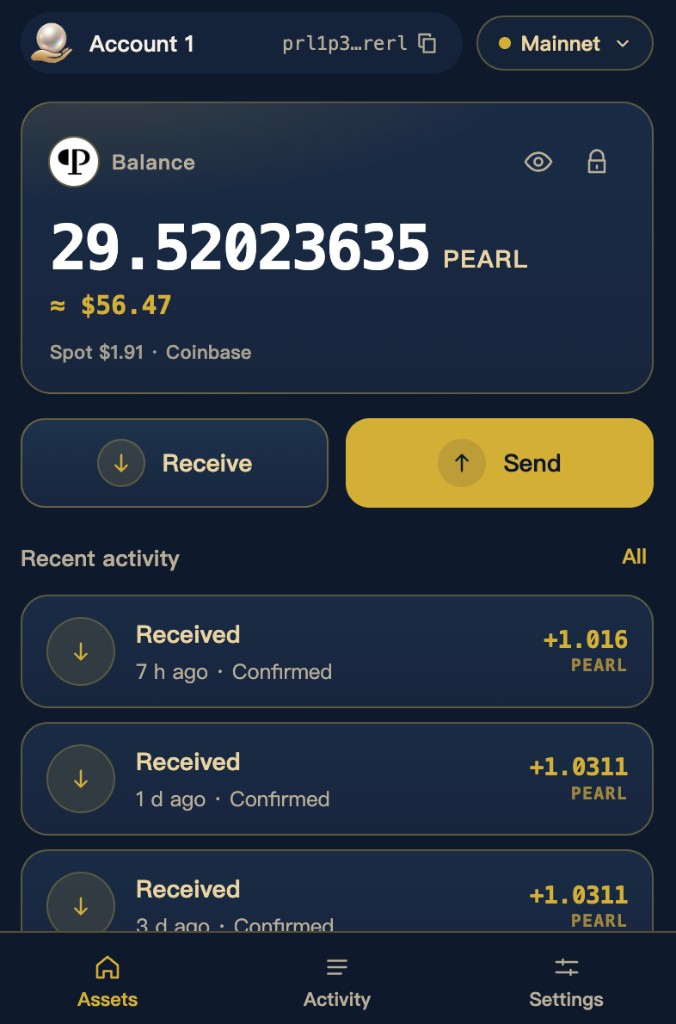
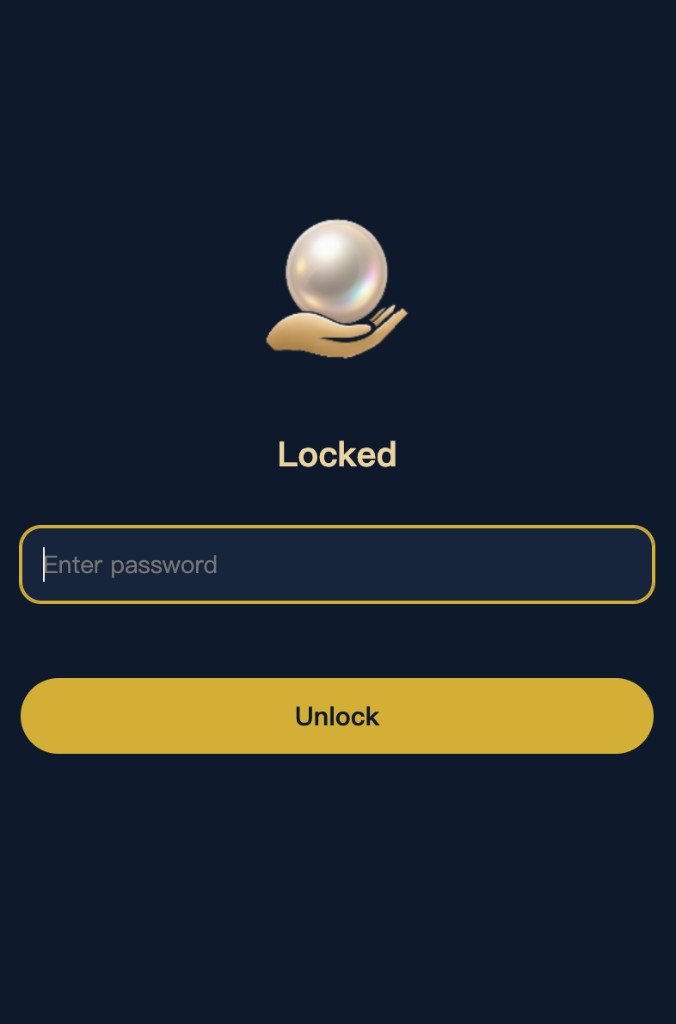
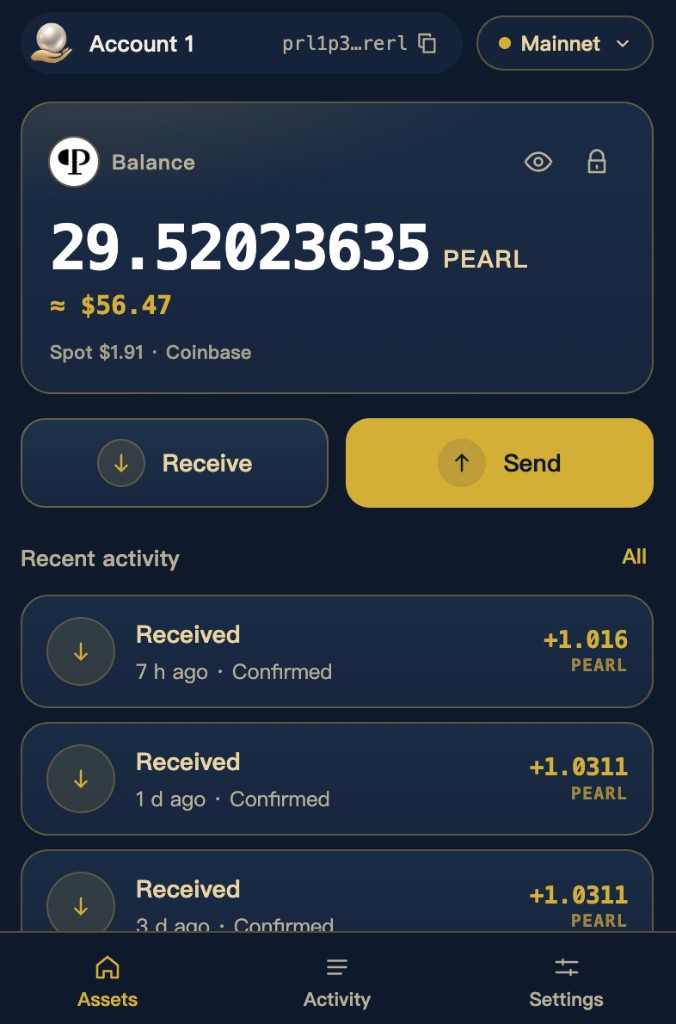
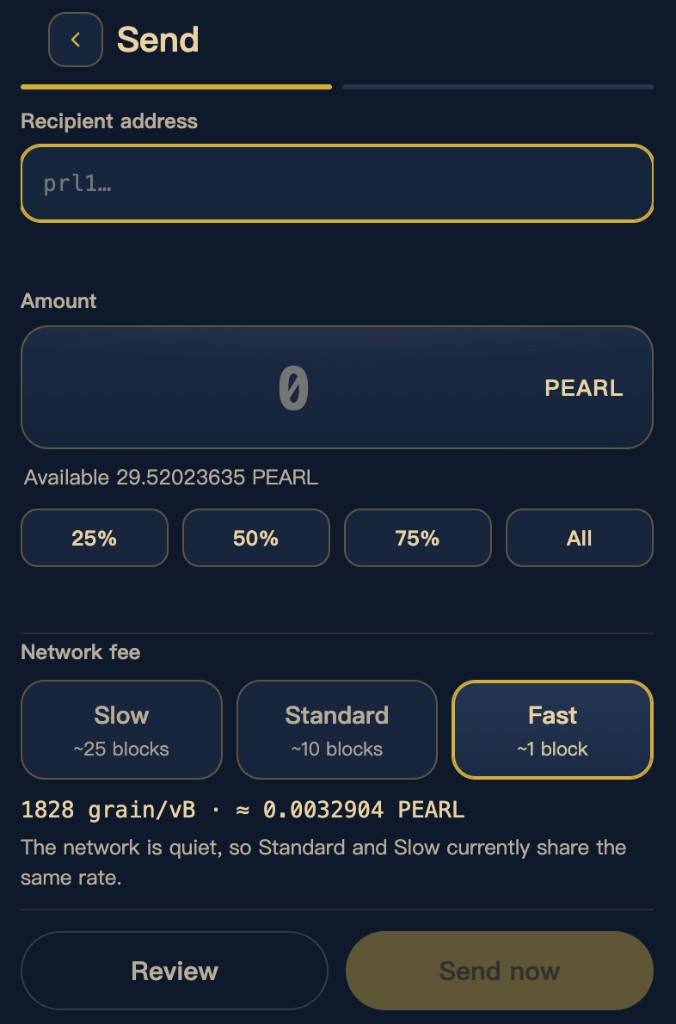
装上就能用。创建或导入钱包,收、发、锁屏,都在一个 Chrome 扩展里。 Install and go. Create or import a wallet, then receive, send, and lock — all in one Chrome extension.
开源是产品原则:实现应当可以被阅读和检视。 Open source is a product principle: the implementation is meant to be readable and inspectable.
社区版 HD Pearl 钱包,安装和使用都不收费,也不要求注册。 This community-edition HD Pearl wallet is free to install and use, with no sign-up required.
能做什么 What you can do
查看余额、收款、发送,以及用密码把钱包锁上。 Check your balance, receive, send, and lock the wallet with your password.
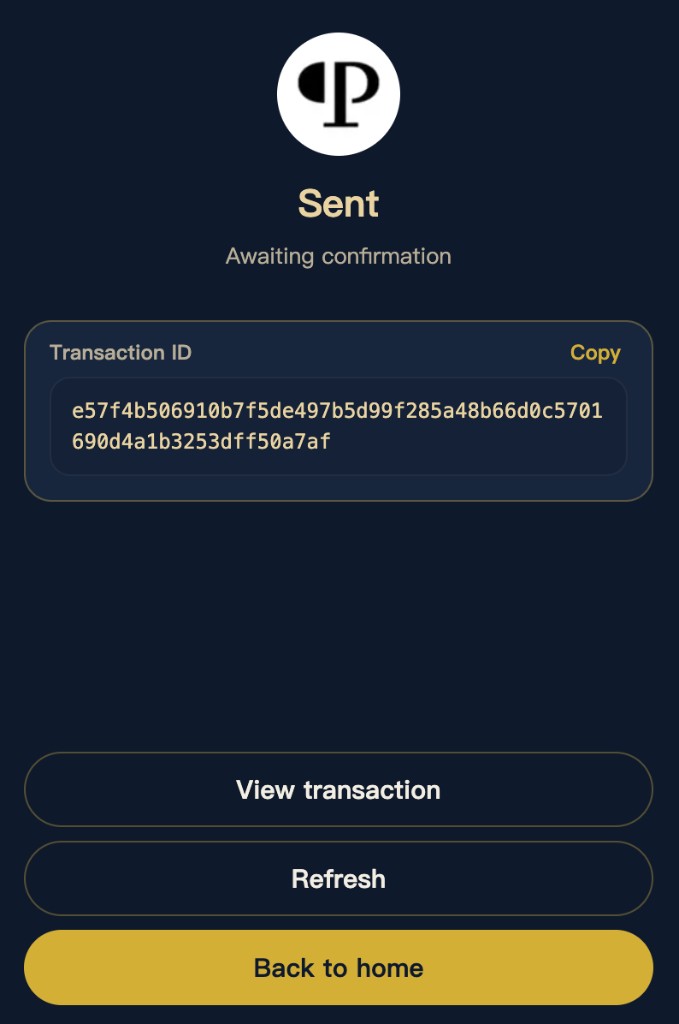
开始使用 Get started
前往 Chrome 网上应用店,点「添加至 Chrome」。装好后点扩展图标,创建或导入钱包即可。 Go to the Chrome Web Store and choose Add to Chrome. Then open the extension and create or import a wallet.
常见问题 FAQ
不会。助记词、密码和私钥只在你的设备上用于解锁和签名。网上只会发送你确认后的已签名交易,以及公开的余额查询。 No. Your phrase, password, and private keys stay on your device for unlocking and signing. Only signed transactions you confirm, and public balance lookups, go online.
Pearla 是面向 Chrome 的社区版 HD Pearl 钱包:安全、简单、开源、免费。请只从 Chrome 网上应用店安装。 Pearla is a community-edition HD Pearl wallet for Chrome. Secure, simple, open source, and free. Install it only from the Chrome Web Store.
加密后保存在你这台设备的浏览器里。请妥善备份助记词,弄丢就无法找回资产。 Encrypted in this browser on your device. Back up your recovery phrase — if you lose it, your funds cannot be recovered.
请只通过 Chrome 网上应用店安装:Pearla - A Pearl HD Wallet。不要从其他网站下载扩展文件。 Install only from the Chrome Web Store: Pearla - A Pearl HD Wallet. Do not download extension files from other sites.